DW Spectrum User Manual
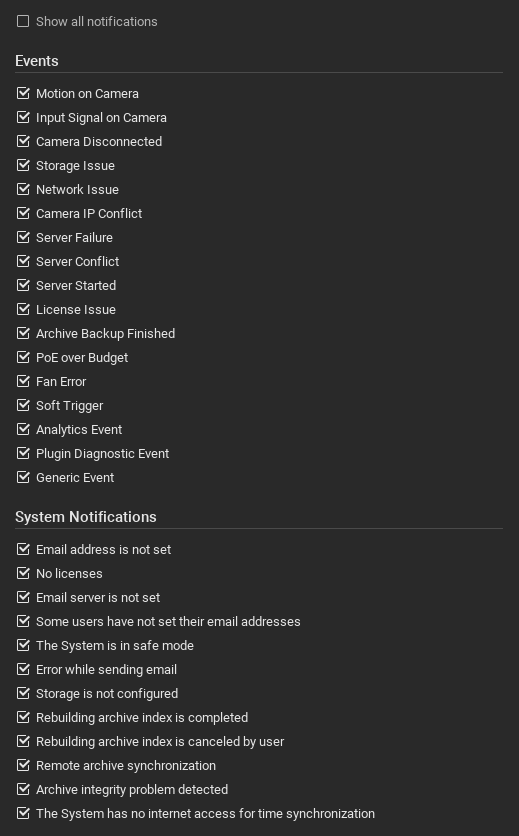
Individual event notification can be disabled by the user without effecting the event rules or notifications received by other users of the Site. This can reduce use distractions related to certain domains at the risk missing a relevant notification, and thus should be used with caution.
To select the displayed notifications for a user, first select the Alerts tab in the Notification Panel and then open the label below the notifications tab and select one of the following choices from the menu:
•Any notification to automatically select the Show all notifications checkbox atop the list of notifications
•Event notifications to automatically select all event notifications and deselect all Site notifications.
•Site notifications to automatically select all Site notifications and deselect all event notifications.
•Choose Types... to open the individual notification selection dialog.
NOTE: The checkbox for Show all notifications must be cleared to enable individual notification selection.