DW Spectrum User Manual
Temporary users are granted limited-duration access to either Local or Cloud-Connected Sites. Anyone with the Temporary User link can access the associated Site.
See "Managing Users" for Temporary Users limitations and "Adding Users" to create a Temporary User.
Connect to a Site or Server using the Desktop Client
1.Have the Temporary User link provided by the Site Administration team.
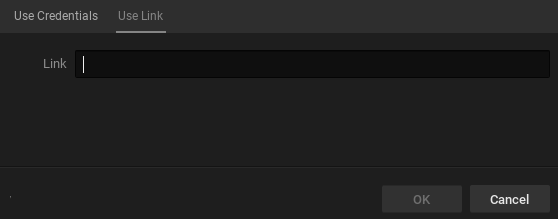
2.Open the Desktop Client, Select Connect to Server, Select the Use Link tab.
3.Enter the link into the dialog box and press OK.
4.The Desktop Client will open to the target Site with no further action needed.
Connect to a Site or a Server using an Internet Browser and the Web Admin
1.Enter the provided Temporary User link into a browser.
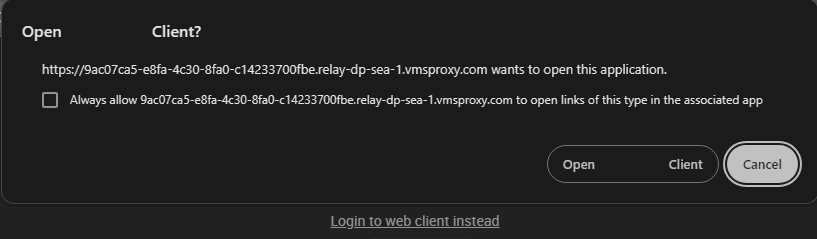
2.Depending on local Site configuration there may be prompts to launch the Desktop Client or use the Web Admin.
3.Select Web Admin to open the Site.
Depending on permission granted to Temporary User, the Web Admin may offer less functionality than the Desktop Client.